All the new features coming in iOS 17

estimated read time: 2m 0s
Apple has just unveiled iOS 17, the latest version of its operating system for iPhones, at its annual Worldwide Developers Conference (WWDC23). iOS 17 brings a number of new features and improvements to the iPhone experience.
Here are some of the most exciting features to be coming in iOS 17
- Contact Posters: The Phone app is central to the iPhone experience, and it receives a big update with personalized Contact Posters, providing a new way for users to express themselves. Users can customize how they appear, bringing a completely new look to incoming calls, and choose beautiful treatments for photos or Memoji, as well as eye-catching typography and font colours. Contact Posters will also be available for third-party calling apps.
- Live Voicemail: gives users the ability to see real-time transcription as someone leaves a voicemail, and the opportunity to pick up while the caller is leaving their message. Calls identified as spam by carriers won’t appear as Live Voicemail, and will instead be instantly declined. With the power of the Neural Engine, Live Voicemail transcription is handled on-device and remains entirely private.
- FaceTime: now supports audio and video messages so when users call someone who is not available, they can share a message that can be enjoyed later. FaceTime calls also get more expressive with Reactions such as hearts, balloons, fireworks, laser beams, rain, and more. The new effects can be activated through simple gestures, and third-party video calling apps can take advantage of them as well.
In an exciting update to Apple TV 4K, FaceTime now extends to the biggest screen in the home. Powered by Continuity Camera, users can initiate a video call directly from Apple TV, or start the call on iPhone and then hand it off to Apple TV, to see friends and family on their television. With Center Stage, users will have perfect framing even as they move around the room.
- A built-in journaling app: iOS 17 comes with a new app called Journal that lets you record your thoughts, feelings, and memories in a private and secure way. You can use voice, text, photos, videos, or drawings to create your entries, and you can also sync them with iCloud and access them from any device.
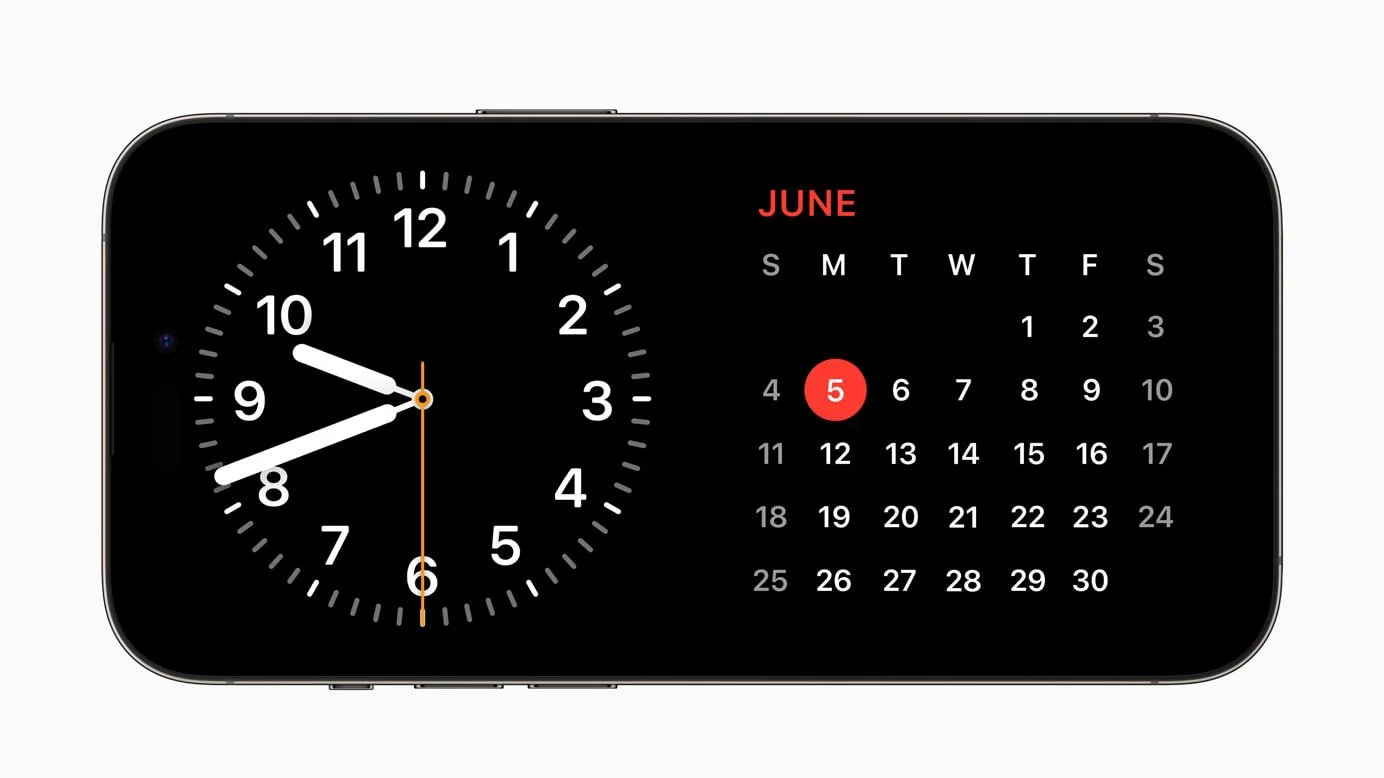
- A new nightstand mode: iOS 17 adds a new feature that turns your iPhone into a bedside clock when you place it on a wireless charger at night. You can customize the display with different colors, fonts, and brightness levels, and you can also see your battery level, alarm, and weather information.
- Easier Sharing with AirDrop and NameDrop: AirDrop makes it easy to share a file with a colleague or send photos to a friend in seconds, and with iOS 17, AirDrop gets new ways to share. NameDrop allows users to easily share contact information by simply bringing their iPhones together, or by bringing an iPhone and Apple Watch together. With the same gesture, users can also share content or start SharePlay to listen to music, watch a movie, or play a game while in close proximity between iPhone devices.
- Maps: adds offline maps, so users can download a specific area and access turn-by-turn navigation, see their estimated time of arrival, find places in Maps, and more while offline. Maps also makes it easier than ever to discover thousands of trails in parks across the United States, and supports electric vehicle drivers with real-time charging availability information.
These are just some of the highlights of iOS 17, which will be available for download later this year. Stay tuned for more updates on iOS 17.


Comments
Post a Comment